Our Supported Payment Methods
Pay Your Bill
How can I make my payment during sign up / renew / transfer? For your convenience, we Accept payments from the following payment methods so feel free to pay via any of the following payment methods and if you want to pay money for any of our services.
Supported Online Payments
Now it is very easy to make payment to Hostghat for any offered service like domain name registration/domain transfer/domain renewal, web hosting, VPS server hosting, Cloud Server Hosting, Dedicated Server hosting etc. using any international or local Bangladeshi credit card or debit card or mobile banking service like bKash, Rocket, Islami Bank MCash, MyCash, IFIC Mobile Banking etc. and internet banking of CityTouch, Brac Bank, Bank Asia, Islami Bank, Mutual Trust Bank, AB Bank through SSLCommerz and server/services activates almost instantly once after completing the payment online.
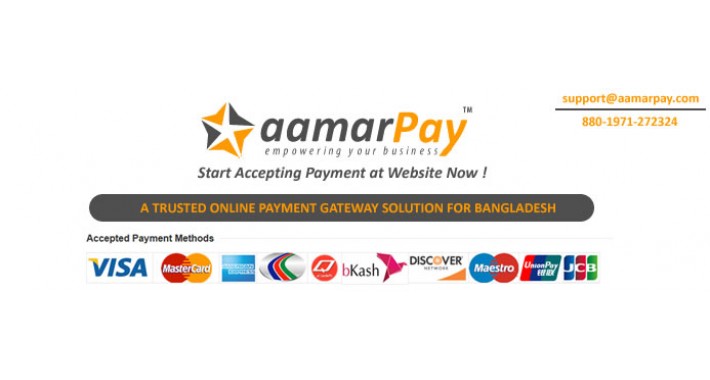
Note: As you will make the payment using any of the above payment methods your Hostghat’s invoice will be paid instantly upon successful payment on the payment gateway’s website.
But if any how the payment proceeded successfully on the gateway provider’s website but the invoice does not mark as paid on your Hostghat’s account, nothing to worry about the matter. Just send us an email to hostghat24@gmail.com with your scan government issues ID card (e.g. National ID/Passport/Driving License/Student ID, etc.), a recent passport size photograph and proof of address (e.g. Utility Bill like Gass Bill, Electricity Bill, Mobile Phone Bill, etc.)Pay Using Our Merchant Bkash Account
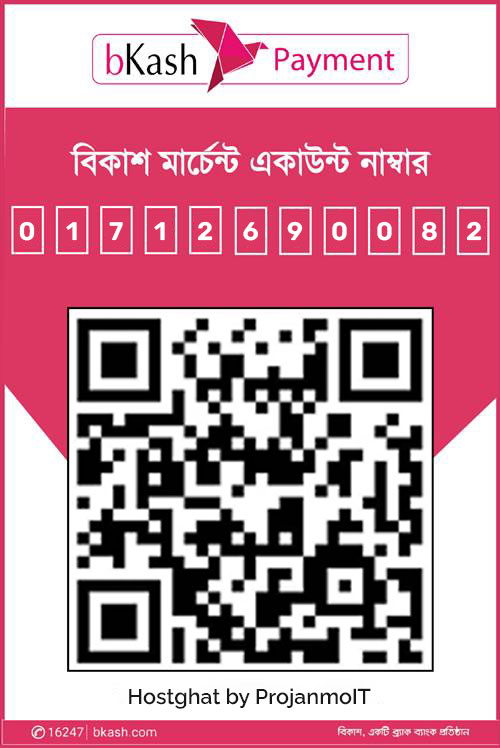
Bkash: 01712690082 (Payment)
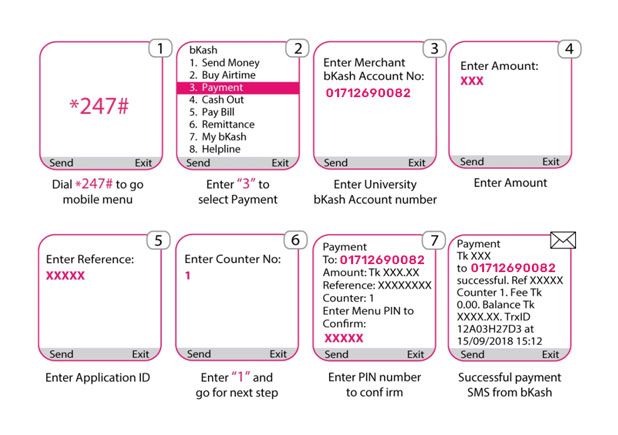
1. Go to Your bKash Mobile Menu by dialing *247#
2. Choose “Payment”
3. Enter Merchant bKash Account Number 01712690082
4. Enter the amount (Invoice Amount)
5. Enter a reference (Invoice No/ Your Name)
6. Enter Counter Number 0
7. Now enter your bKash Mobile Menu PIN to Confirm!
Done! You will receive a confirmation message
from bKash*
Or Scan QR Code and Pay –>
Payment using USSD
If you have a bKash Account Number then dial *247# from your mobile handset and
follow
the
steps
below:
Pay Using Our Personal Bkash Account
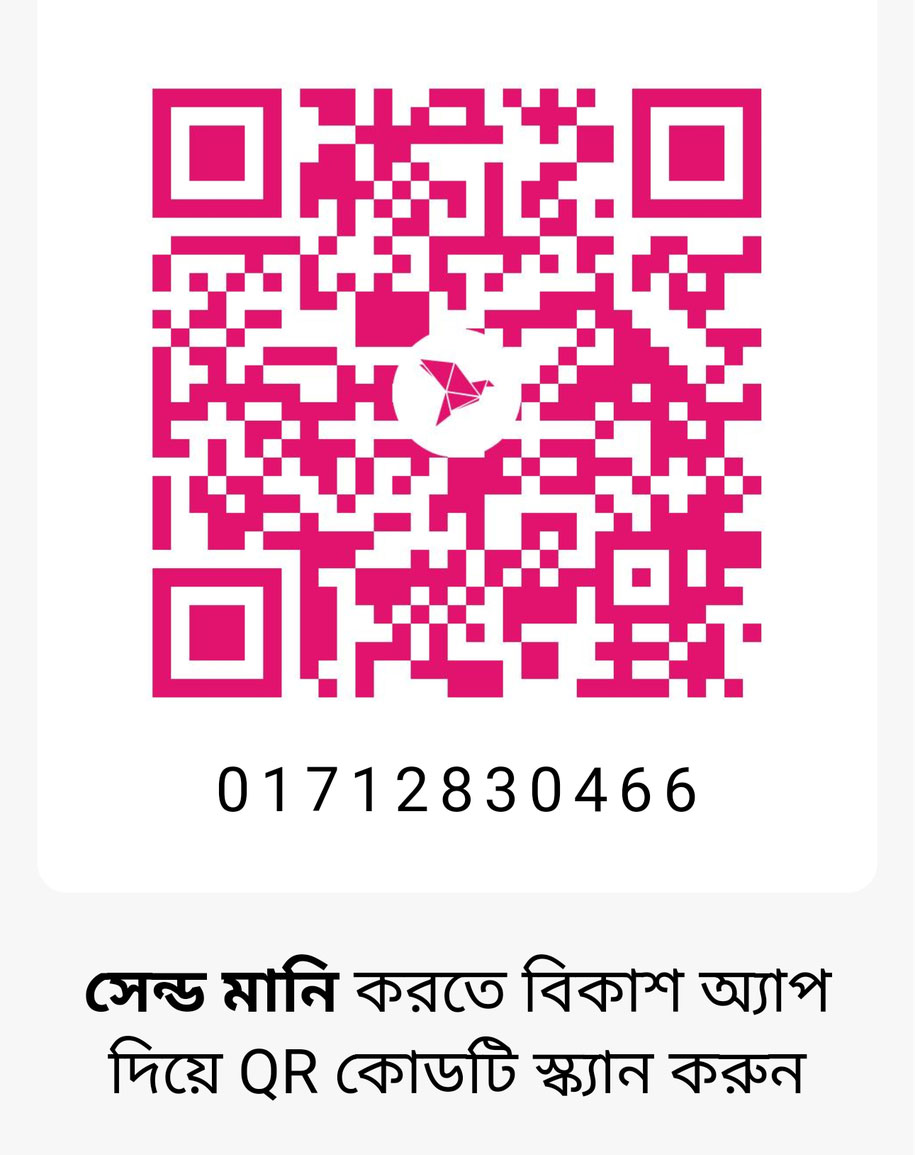
Bkash: 01712830466 (Personal)
1. Go to Your bKash Mobile Menu by dialing *247#
2. Choose “Send Money”
3. Enter Personal bKash Account Number 01712830466
4. Enter the amount (Invoice Amount)
5. Enter a reference (Invoice No/ Your Name)
6. Now enter your bKash Mobile Menu PIN to Confirm!
Done! You will receive a confirmation message
from bKash*
Or Scan QR Code and Pay –>
Pay Using Our Personal Nagad Account
Nagad: 01712830466 (Personal)
1. Go to Your Nagad Mobile Menu by dialing *167#
2. Choose “Send Money”
3. Enter Personal Nagad Account Number 01712830466
4. Enter the amount (Invoice Amount)
5. Enter a reference (Invoice No/Your Name)
6. Now enter your Nagad Mobile Menu PIN to Confirm!
Done! You will receive a confirmation message
from Nagad*
Pay Direct to Our Corporate Bank Account
Bank Name: Islami Bank Bangladesh Limited
Account Name: Projanmo IT
Account No: 20507070100005612
Branch: Mohammadpur Branch
Bank Name: Social Islami Bank Limited
Account Name: Projanmo IT
Account No: 0211330015208
Branch: Dhanmondi Branch


